

Are you ready to design your own custom T-shirt? It’s easy! We’ll walk you through the steps and make sure that your shirt is exactly how you want it.
Design your own shirt
Now that you’ve got your canvas and the tools, it’s time to start designing. On the left side of the screen, there are four tabs:
(1)Design – Select this tab if you want to create an entirely new design from scratch.
(2)Colors – Select this tab if you want to choose colors for your design using our color palette tool.
(3)Templates – Choose one of our pre-made templates as a starting point for creating your own design on top of it with our easy-to-use editor!
(4)Shapes – Use our library of shapes and symbols as part of any mockup or template in our editor!
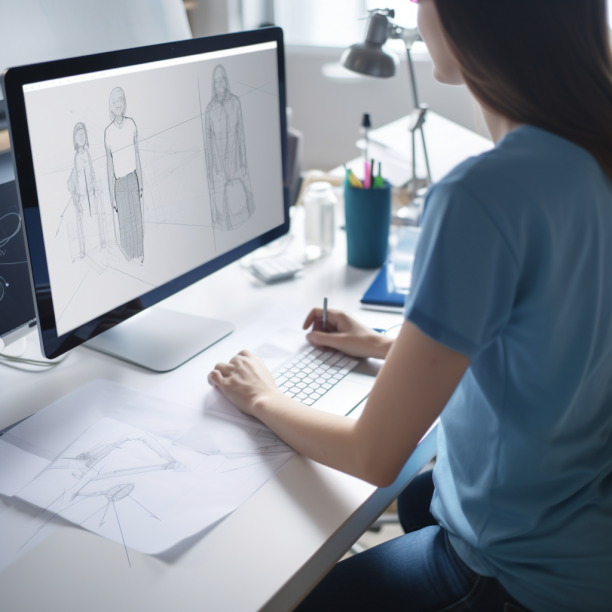
Choose the material you want for your shirt
You can choose from a variety of materials for your shirt. Some are more expensive than others, some are more durable, and some breathe better than others.
You can use this mockup to make sure you get exactly what you want before ordering your custom shirt!
Customize your design with different colors and fonts.
(1)Use our color picker to choose the colors for your design and create a unique look.
(2)Use our font picker to choose the fonts for your design and create an even more unique look.
You can mix and match different colors and fonts, or use one of our pre-set designs that are ready to go!
Select a size, color and quantity of each shirt you want to order.
(1)Choose a size, color and quantity of each shirt you want to order.
(2)Select your desired quantity for each option by clicking on the dropdown menu under “Quantity.”
(3)If you want to order more than one of the same design, repeat these steps for each option until finished ordering all shirts in this design.
Add a logo or slogan to your shirt using our text editor.
You can use the text editor to add a logo or slogan to your shirt using our text editor. You can also change the color of your logo or slogan, or even change its size!
Ordering custom T-shirts is so simple!
To order, you’ll need to follow these simple steps:
(1)Design your own shirt.
(2)Choose the material you want for your shirt and customize it with different colors and fonts.
(3)Select a size, color and quantity of each shirt you want to order (you can also choose whether or not they should be printed).
(4)Add a logo or slogan using our text editor
We hope you enjoyed learning about our mockup tool or T-shirt printing like this. If you have any questions or concerns, please contact us here.